
Chromascope: Analyze more. Click less.
AI-assisted LC-MS analysis, across instrument vendors, with traceable results.
Free · Open source · Built for scientists
Download Chromascope Getting started in ten minutes Use it with an AI assistant
Chromascope is a free, lightweight, easy-to-use, open-source, vendor-agnostic LC-MS workbench designed for targeted analysis. It opens mzML directly and works with any vendor file by converting it automatically with msconvert: download msconvert once and link it in Chromascope (how). Inspect batches, integrate peaks, build calibration curves, quantify and run QC. Use it like a normal desktop app, script it from the command line, or hand the controls to an AI assistant over MCP. The assistant does the reasoning; Chromascope does the maths, keeps the evidence and records exactly what happened. Every number keeps its units, its settings and the hash of the file it came from.
Who it is for
Chromascope is for analytical chemists and mass-spectrometry operators who want to explore their data, quantify their batches, and save their analyses reproducibly so they can later see how each result was obtained. No programming is required.
What it does
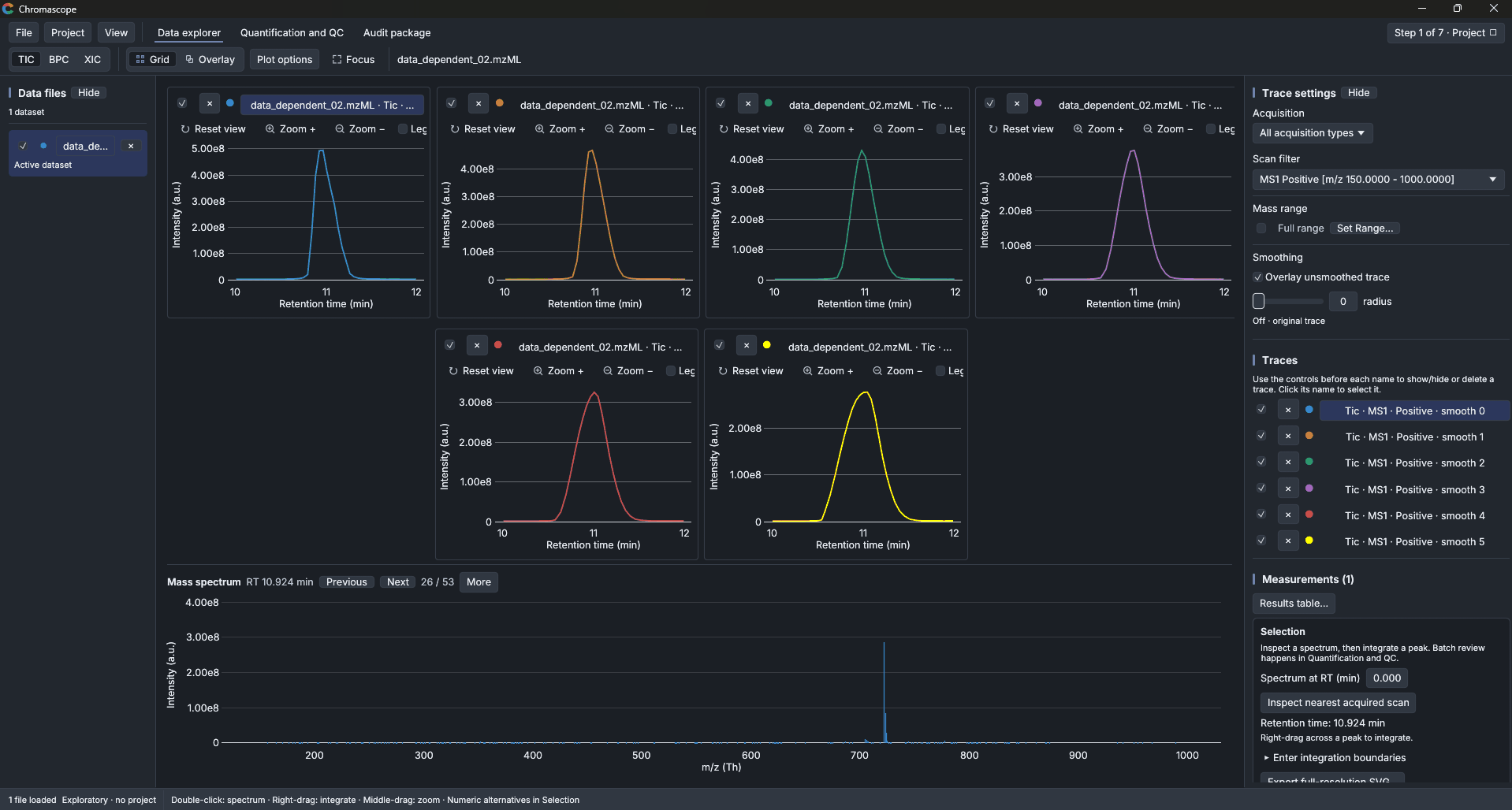
- Explore. Open mzML files (or vendor files through ProteoWizard), draw TIC, base peak and extracted-ion chromatograms, inspect every spectrum and compare samples side by side.
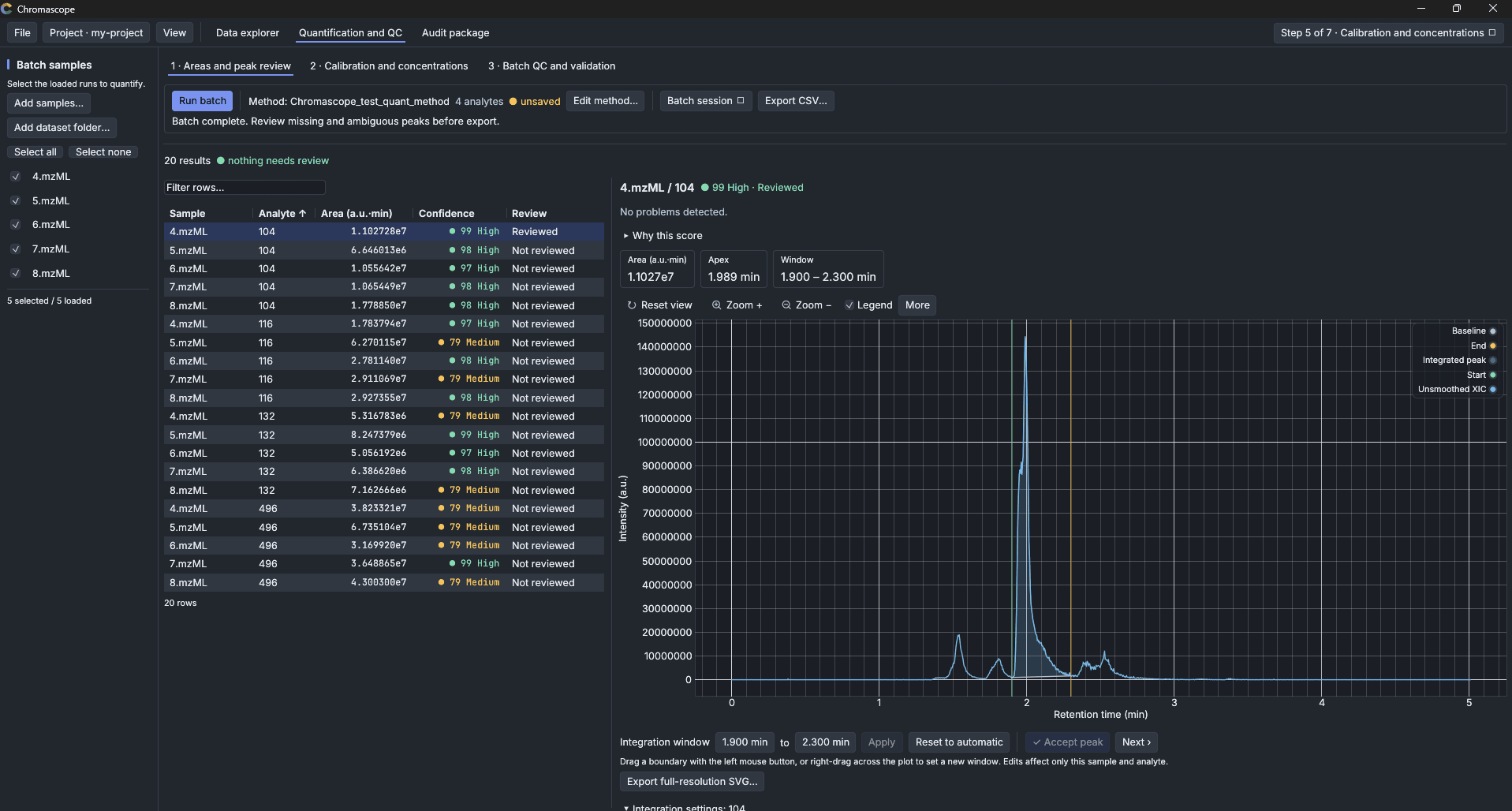
- Integrate. Drag across a peak to get its area from the full-resolution trace, with the baseline and the settings recorded next to the number.
- Quantify. Run a method over a batch of samples, review each peak, build weighted calibration curves with internal standards, and evaluate batch QC rules.
- Deliver. Keep an append-only project history and export an audit package that another person can verify.
- Work with an AI. Over MCP, an assistant such as Claude can open files, extract traces, preview integrations and run a batch. It only does what you allowed when you started the program, and every call is recorded in the window.
Where to go next
| I want to... | Go to |
|---|---|
| install the program | Download and install |
| try it on the example file | Getting started |
| look things up | User manual |
| connect an AI assistant | AI assistants (MCP) |
| see what changed | Changelog |